Order Status
Follow your Lockora order with confidence.
From confirmation to delivery, Lockora keeps the order journey clear for smart locks, access control hardware, and intelligent entry accessories. Most orders move through preparation, carrier handoff, and delivery within the standard 3–5 business day shipping window.
Check your order confirmation details first.
Business day shipping window for most orders.
Support for smart access delivery questions.
Live order pathway
Secure access shipment flow
Order review
Confirmed
Preparation
In queue
Delivery path
Tracked
Status guide
What each order status means.
Smart lock orders can include door hardware, keypad components, access cards, video-ready accessories, and small installation pieces. Status updates help you understand where your order is in the journey before it reaches your door.
Order confirmed
Your checkout information has been received and your order details are ready for review.
Processing
The Lockora order is being prepared for fulfillment, packing, and shipment readiness.
Shipped
Your package has moved into carrier handling, and tracking activity may begin updating soon.
Delivered
Your smart access product has reached the delivery address provided during checkout.
Before you ask
Have the right details ready.
Order status questions are easiest to resolve when key details are clear. Use the same contact information entered at checkout, and include the product or order context when contacting Lockora support.
Detail 01
Order email
Use the email address entered during checkout so support can understand which order you are asking about.
Detail 02
Product type
Mention whether the order includes a fingerprint lock, keypad lock, video door lock, access card, or accessory.
Detail 03
Delivery address
Confirm apartment, suite, gate, office, or receiving instructions if your delivery location needs extra context.
Detail 04
Timing concern
Tell us if the order is newly placed, processing, shipped, delayed, or marked delivered but not found.
Tracking updates
Carrier activity can take time to appear.
Once your Lockora order leaves preparation, the carrier may need time to scan and update the shipment record. If tracking appears quiet at first, it may still be moving through the carrier network.
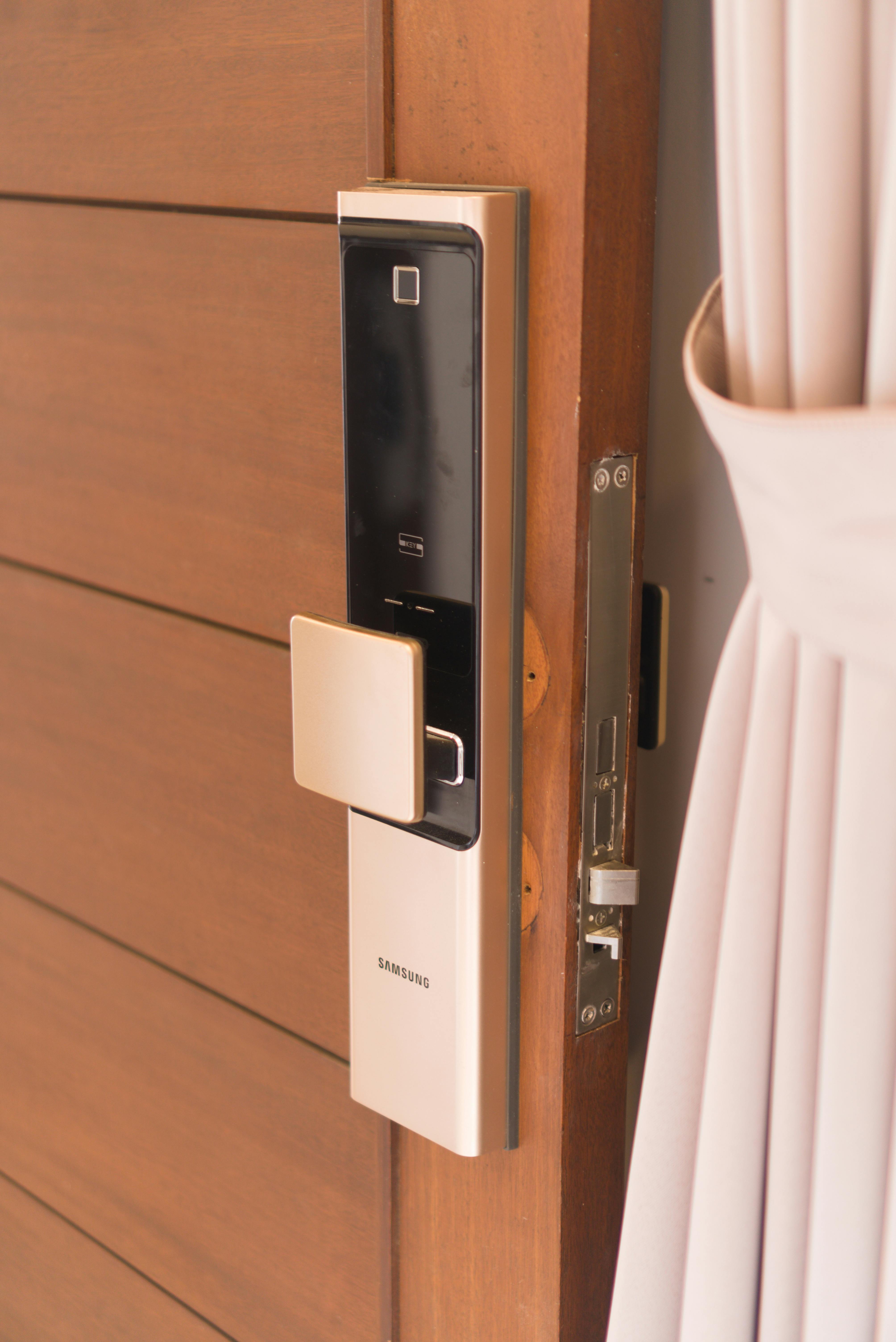
Delivery check point
Your smart access hardware moves from preparation to the door it was selected for.
Order Status FAQ
Clear answers for your smart access order.
These notes are designed for Lockora customers checking smart lock orders, delivery movement, and support next steps.
How long does it take to receive my Lockora order?
Most Lockora orders are delivered within 3–5 business days after processing. Timing may vary by destination, carrier activity, product availability, and address accuracy.
Why has tracking not updated yet?
Tracking can take time to update after carrier handoff. A package may be in movement before the carrier system shows a new scan.
What information should I send when asking about an order?
Include your checkout email, product type, delivery address context, and a short description of the status issue so Lockora support can review your question more efficiently.
Can I update my delivery address?
Contact Lockora as soon as possible if address details need attention. Changes may not be possible once an order has entered fulfillment or carrier transit.
What should I do if my order says delivered but I cannot find it?
Check nearby delivery areas, building reception, mailroom locations, and household or office receiving points. If it remains unclear, contact Lockora with your order details.
Need order help?
Send the details and let Lockora support review the next step.
Whether your smart lock order is processing, shipped, delayed, or marked delivered, Lockora support can help review the situation with practical guidance.
Phone
4343316816Address
2451 MIDTOWN AVE Alexandria VA 22303
Shipping
3–5 business days