Bulk Orders
Smart access planning for multi-door projects.
Lockora bulk order support helps teams compare smart locks, access control options, and intelligent entry accessories for homes, apartments, offices, rental properties, and multi-unit spaces. Share your door count, access needs, and project context so we can guide the next step clearly.
Plan smart access across several doors or locations.
Compare unlock methods, door use, and access needs.
Business day shipping window for most orders.
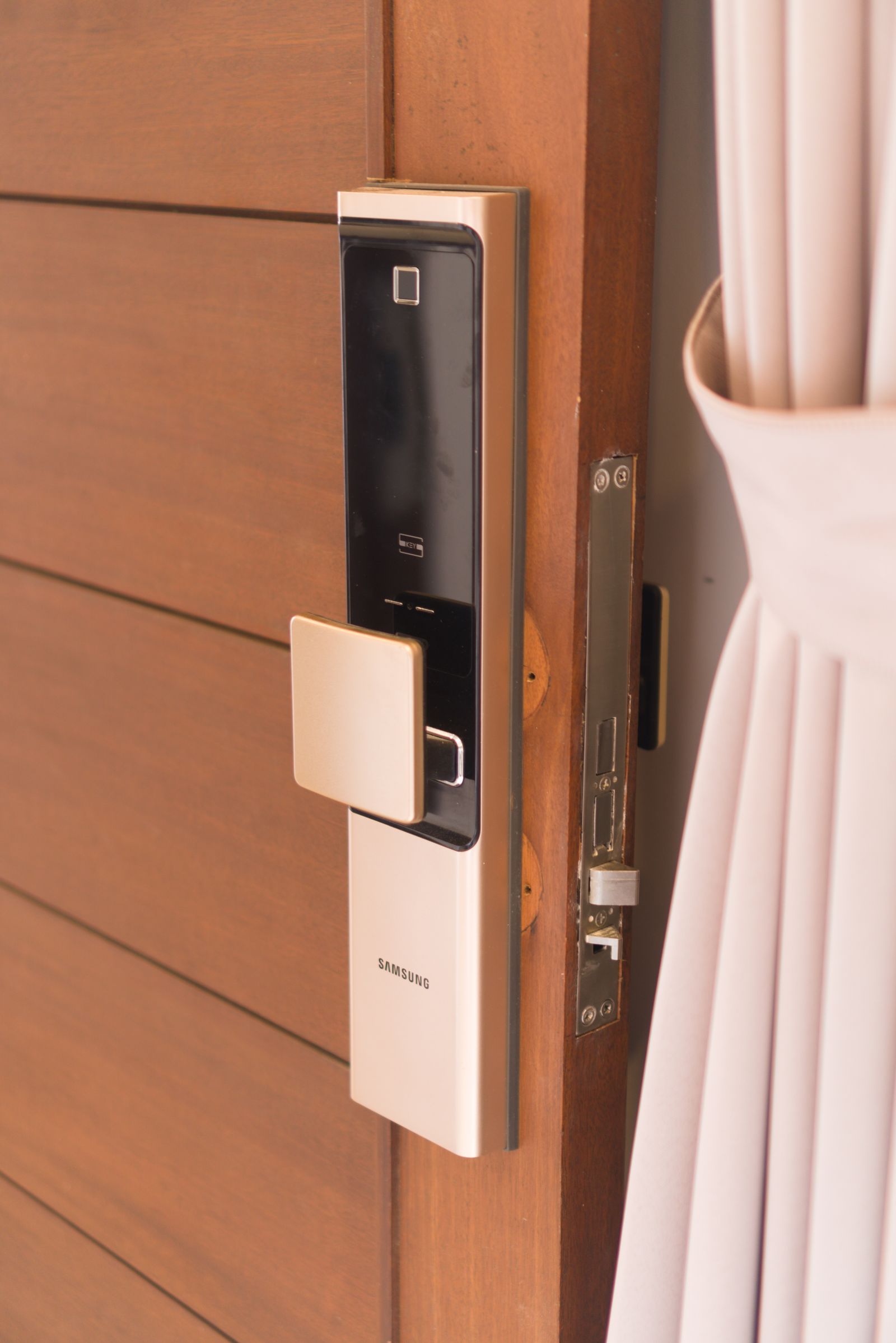
Real access deployment
Coordinate smart lock selection across homes, offices, rentals, and shared-entry spaces.
Residential portfolios
Plan keypad, fingerprint, app-controlled, or video-ready locks across multiple homes, rental units, or managed properties.
Office access upgrades
Coordinate smart entry for offices, suites, shared workspaces, restricted rooms, and team access points with clearer product matching.
Project-based installs
Support contractors, property teams, and upgrade projects with practical guidance before selecting compatible smart lock styles.
Bulk order flow
A clean process before you commit to multiple locks.
Bulk smart lock planning works best when the access environment is clear. Lockora support can help you think through door types, preferred unlock methods, user access needs, shipping details, and product mix before you move forward.
Share your project
Tell us the number of doors, location type, access preference, and any installation context.
Compare lock categories
Review fingerprint, keypad, app-controlled, video, card access, or outdoor smart lock options.
Confirm order details
Clarify product quantities, delivery address information, and support needs before checkout.
Prepare for delivery
Most orders ship within a 3–5 business day window after processing and fulfillment.
Readiness checklist
Details that help bulk order support move faster.
A few project details can make the conversation more useful. You do not need a finished plan before contacting Lockora, but these notes help us understand the access environment more clearly.
Detail 01
Door count
Share the approximate number of doors, entries, units, suites, or access points included in your project.
Detail 02
Unlock method
Mention whether you prefer fingerprint, keypad, app control, card access, video-ready entry, or temporary code access.
Detail 03
Space type
Tell us whether the order is for homes, apartments, offices, rentals, outdoor entries, or mixed access needs.
Detail 04
User access
Consider whether guests, staff, tenants, family members, or property teams need different entry methods.
Detail 05
Delivery needs
Include shipping address details, receiving hours, apartment or suite notes, and any timing concerns.
Detail 06
Accessory mix
Let us know if you need access cards, compatible parts, remote code support, or smart lock accessories.
Deployment clarity
Scale smart entry without making the order feel messy.
Bulk orders often involve different door types, users, schedules, and receiving locations. Lockora keeps the conversation focused on practical product matching and secure everyday access.
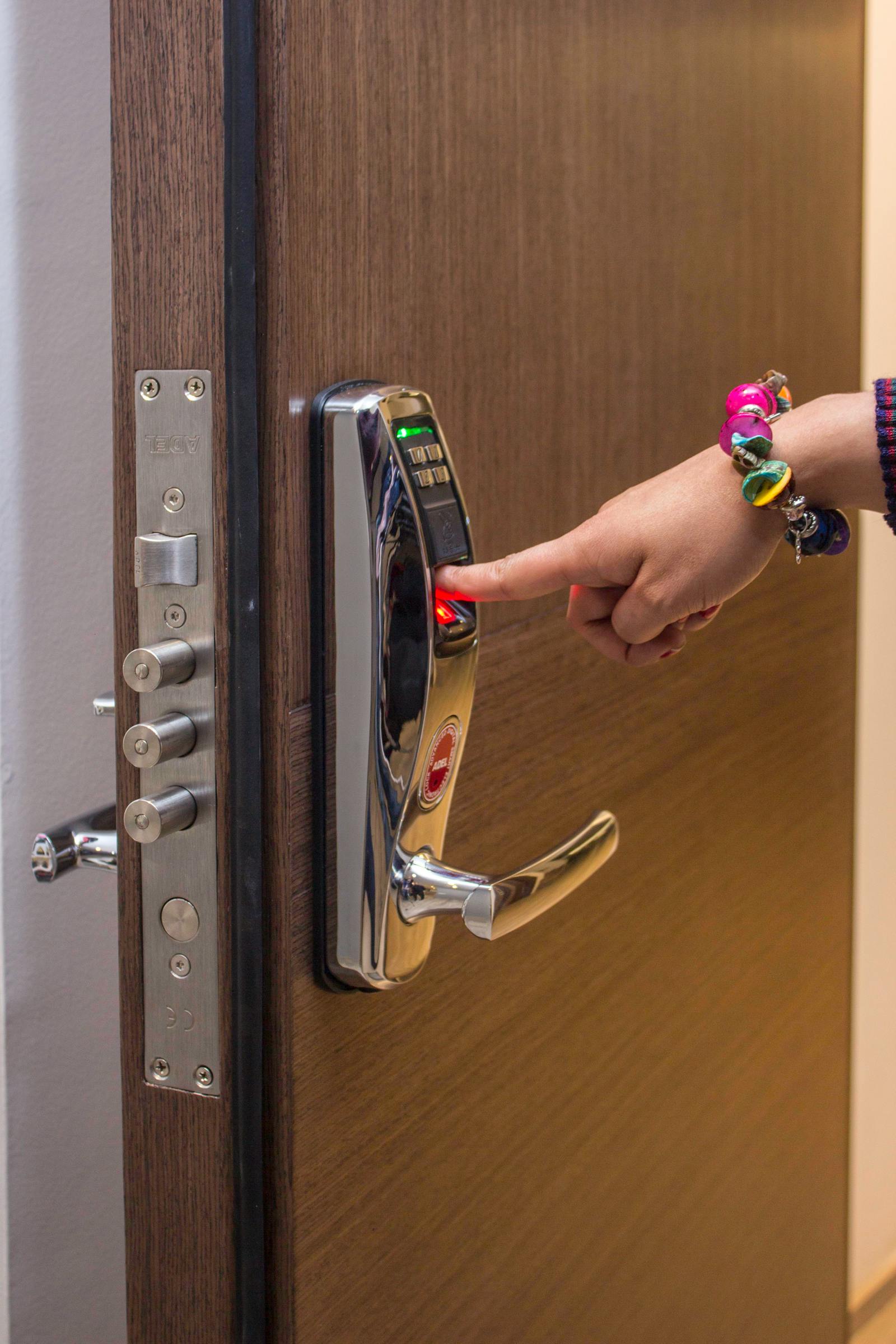
Deployment clarity
Match door count, access method, and delivery needs before scaling the order.
Bulk Orders FAQ
Answers for multi-door smart access planning.
These notes help customers preparing larger Lockora orders for homes, apartments, offices, rental spaces, and access control projects.
How do I start a bulk order conversation?
Use the contact page and share your approximate door count, preferred unlock methods, space type, product interest, and delivery needs. Lockora support can review the details and guide the next step.
What product types can be considered for bulk orders?
Bulk orders may include fingerprint smart locks, keypad smart locks, app-controlled locks, card access locks, video door locks, outdoor smart locks, access control products, and compatible accessories.
Can Lockora help compare options before I order?
Yes. Share the door environment and access goals, and Lockora support can help you compare product categories and practical considerations before purchase.
How long does bulk order shipping take?
Most Lockora orders ship within a 3–5 business day delivery window after processing, though timing may vary by product availability, destination, carrier conditions, and order details.
What information helps with multi-location delivery?
Provide clear address details, unit or suite numbers, receiving instructions, contact information, and whether the order should support one location or several delivery points.
Ready to plan a bulk order?
Tell Lockora about the doors, spaces, and access needs behind your project.
Whether you are upgrading one property group, several offices, or a managed access environment, Lockora support can help you prepare a cleaner smart lock order path.
Phone
4343316816Address
2451 MIDTOWN AVE Alexandria VA 22303
Shipping
3–5 business days